Turn Raw Footage Into Clear Stories. Keep the Editing Queue Moving.
Your video editor organizes approved footage, builds long-form or short-form edits, cleans audio, corrects color, adds captions and graphics, manages revisions, and prepares delivery files.
What Your Video Editor Handles.
Every edit starts with a clear brief, approved source files, audience, platform, brand references, licensed assets, reviewer, revision rules, and delivery specifications.
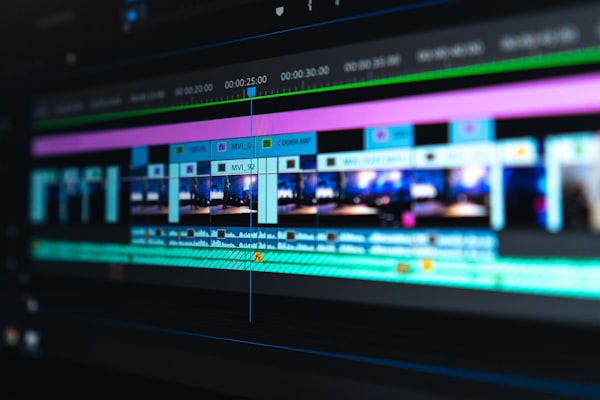
Organize approved footage, audio, graphics, scripts, references, project files, naming rules, versions, and missing-asset questions.
Build an approved sequence, select usable takes, remove unnecessary sections, support pacing, and prepare a clear review version.
Create approved clips, hooks, aspect ratios, durations, safe areas, and platform-ready variations from supplied content and direction.
Balance agreed audio levels, reduce manageable noise, apply approved music, correct exposure and color, and flag source limitations.
Add approved captions, lower thirds, titles, transitions, simple motion graphics, brand elements, and call-to-action screens.
Prepare review links, apply consolidated feedback, manage versions, export approved formats, and deliver organized project or final files.
Getting Started is Easy.
We map content types, audiences, platforms, footage sources, editing style, brand assets, tools, reviewer, feedback process, deadlines, storage, and final formats before editing begins.
Map the Editing Workflow
We review content types, platforms, footage, scripts, references, brand rules, audio, graphics, storage, reviewers, revisions, and exports.
Meet the Recommended Editor
We match the role to your content style, tools, production volume, schedule, collaboration needs, and required editing experience.
Start With One Approved Edit
Your editor begins with a complete source folder, a clear brief, one review milestone, consolidated feedback, and agreed delivery settings.
Pricing Built for Your Needs.
Every specialist engagement is scoped to the role, tools, workload, and experience level you need. Book a call and we will build the right plan.
Video Editor FAQ.
Tell Us What's on Your Plate.
Show us the footage and editing requests waiting in your queue. We will help you define the right editor and review workflow.